Direct-Ink Writing Visualizer 2.0
Advanced Manufacturing-aid software for DIW- printing
OVERVIEW
The DIW 2.0 Visualizer is a Python-based tool that simulates the 3D printer nozzle's path during metal lattice printing. It reads G-code commands and generates a smooth, interactive animation that users can control—play, rewind, or fast forward—to review and refine the printing process in detail.
Skills
Python Programming,
3D Animation & Visualization,
Additive Manufacturing Knowledge,
Interaction Design,
Simulation & Data Interpretation,
Problem Solving & Debugging
Roles
Computational Tool Developer
User Researcher & Problem Mapper
UI/UX Interaction Designer
Contributors
Sihan Zheng
Prof. J. William Boley
Javier Morales Ferrer
Background
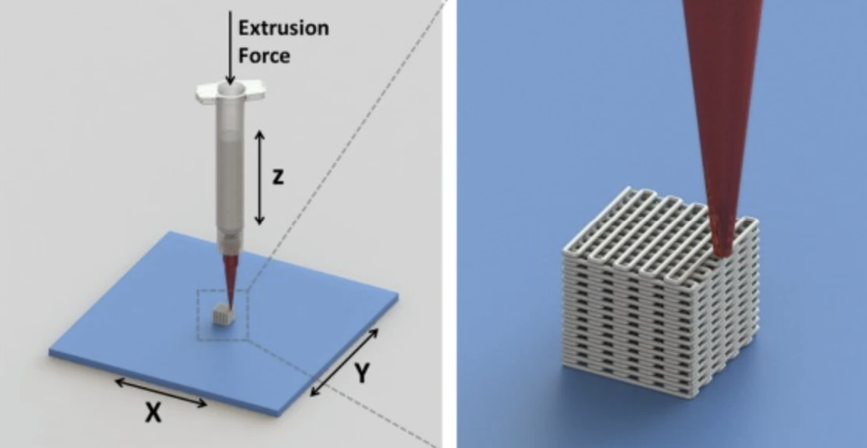
Direct Ink Writing (DIW)
is an automated manufacturing technique in which ink is extruded through a nozzle to create a functional 3D-printing structure.
Inks for DIW must have certain properties that allows themselves to flow through a deposition nozzle, to act as a gel to hold while also maintaining its extruded shape in ambient conditions, and to cure under higher temperatures with minimum shrinkage.
The DIW method can print conductive inks that enables the application in rapid prototyping of soft sensors and wearable devices.
Problem Statements
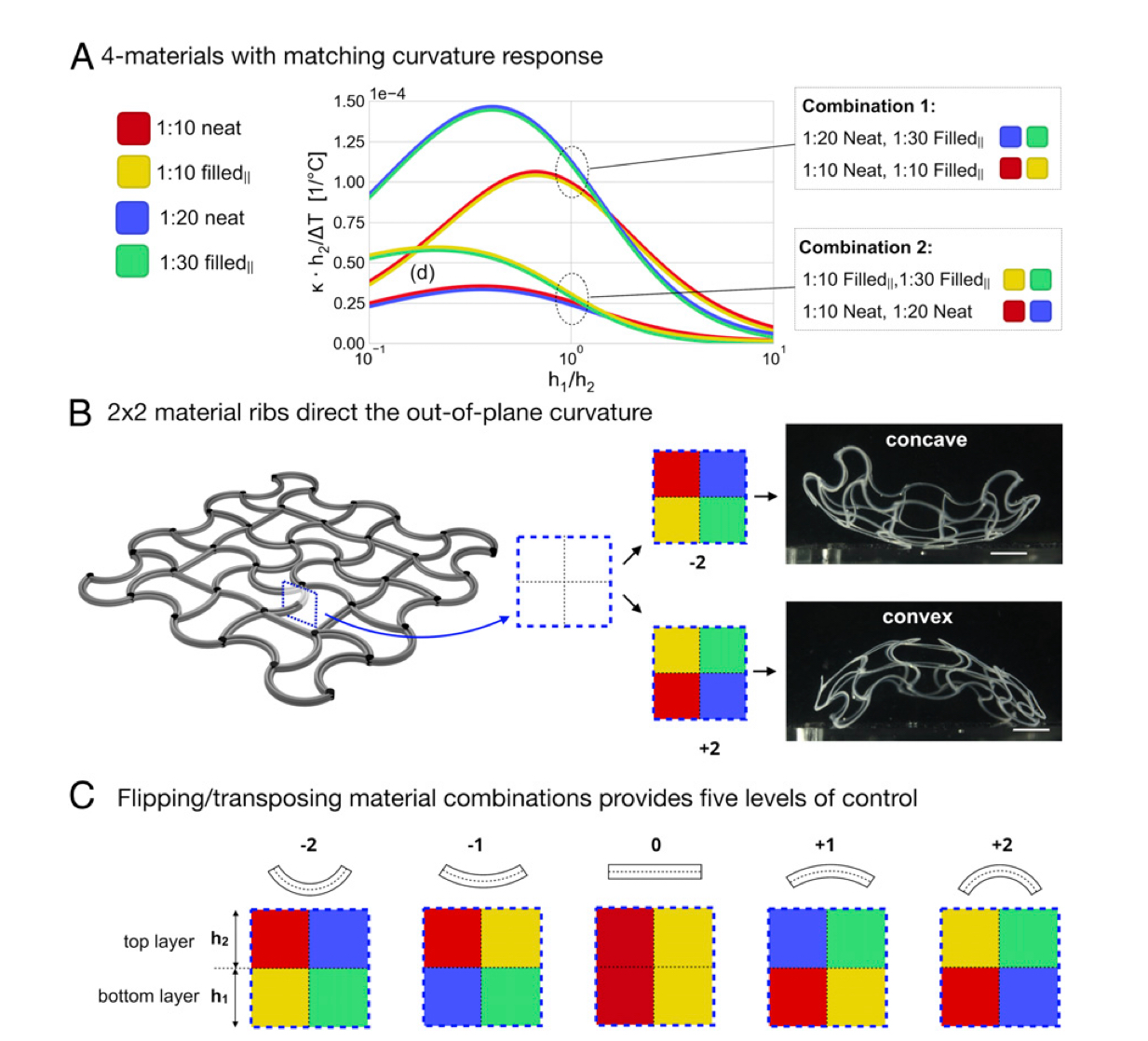
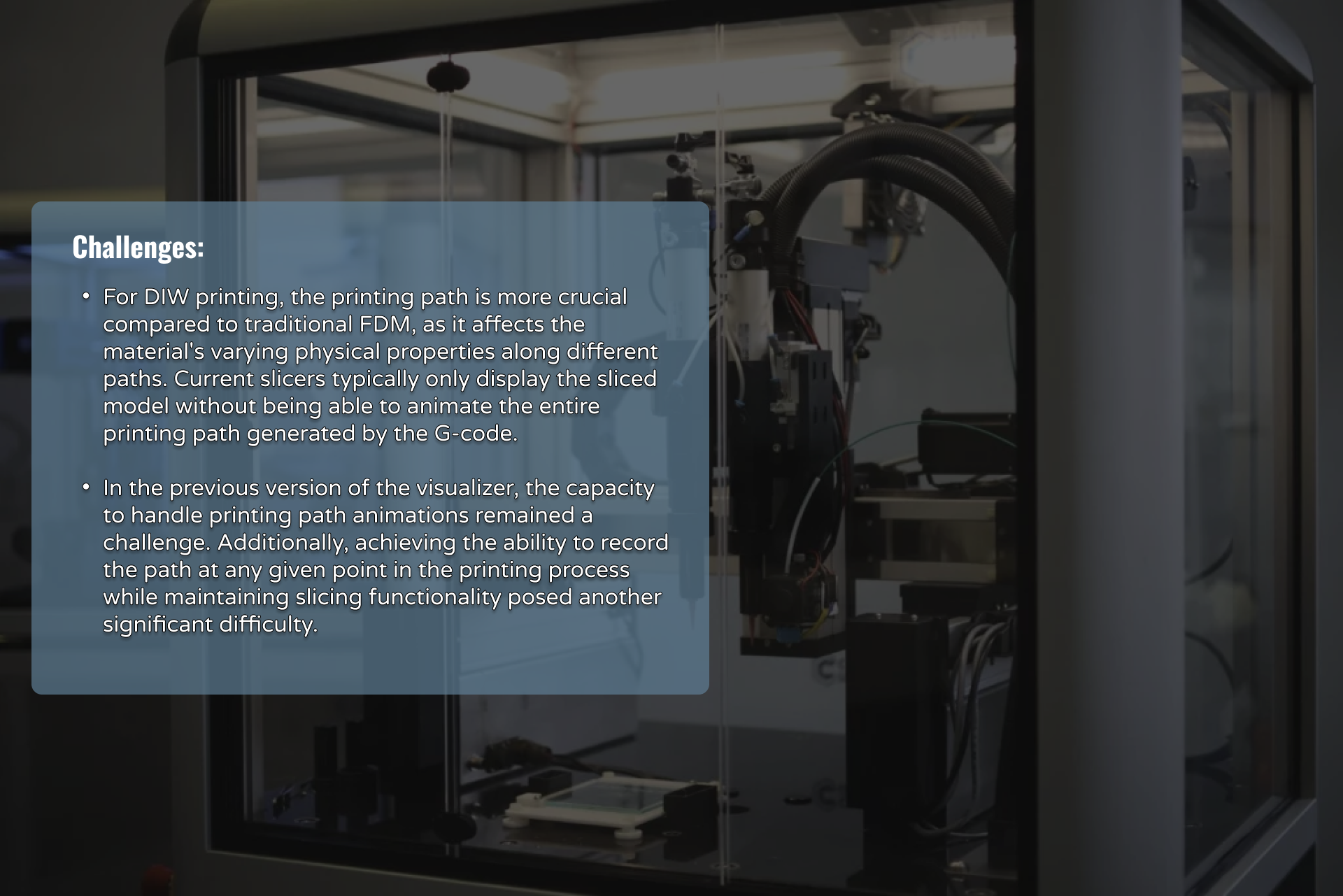
- Troubleshooting DIW print paths is still largely trial-and-error, where small parameter changes can lead to costly, time-consuming failures.
- A visualizer can simulate ink behavior during extrusion, helping researchers fine-tune parameters like speed and spacing without physical testing.
- It also helps detect issues like ink buildup early, allowing users to adjust G-code before printing—saving materials, time, and effort.
By identifying user pain points in previous versions of the visualizer—such as the inability to jump to a specific frame—I uncovered key opportunities to enhance usability. This led to the development of new features that allow users to navigate the print path more freely, troubleshoot issues at precise time points, and better analyze the DIW process without restarting the entire simulation.
About the Product
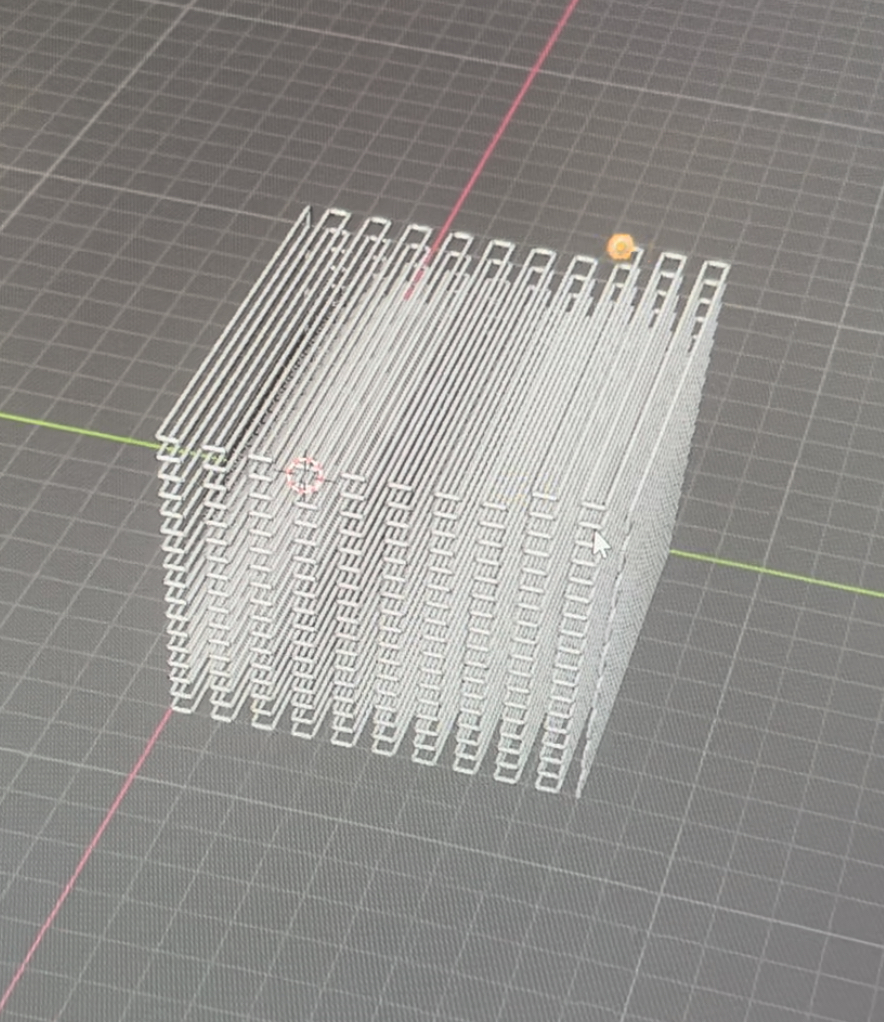
🌀 Loading & Frame Jumping Controls
The loading interface offers clear feedback during file processing, while the frame-jump feature allows users to instantly navigate to any time point in the simulation—crucial for pinpointing specific printing errors without replaying the full animation.
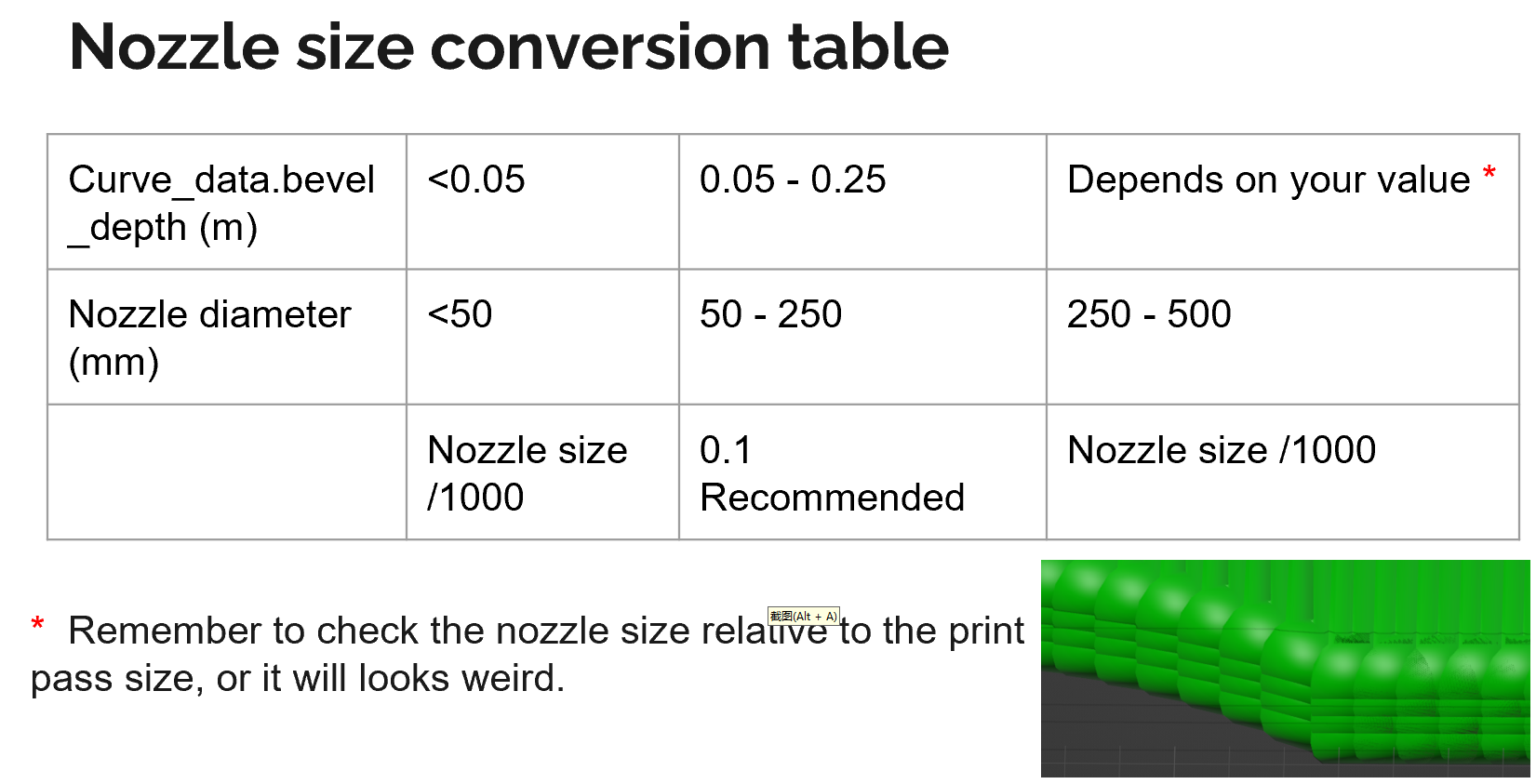
🧮 Nozzle Size & Parameter Reference
A built-in nozzle size reference table helps users match simulation visuals to real-world nozzle specs. This ensures the printed output doesn't distort due to scale mismatches and supports material-specific parameter calibration.
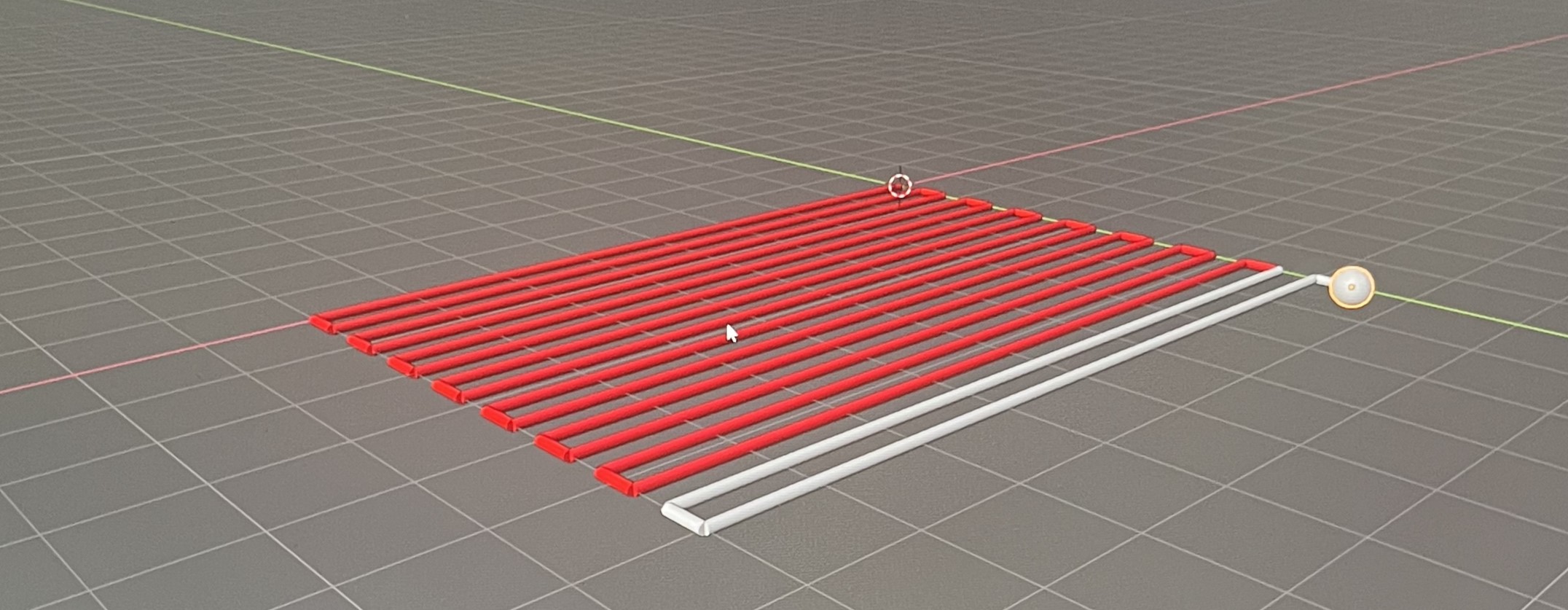
📄 Multi-Material Path & Layer Control
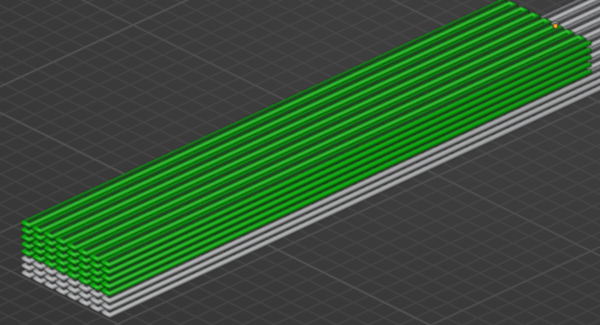
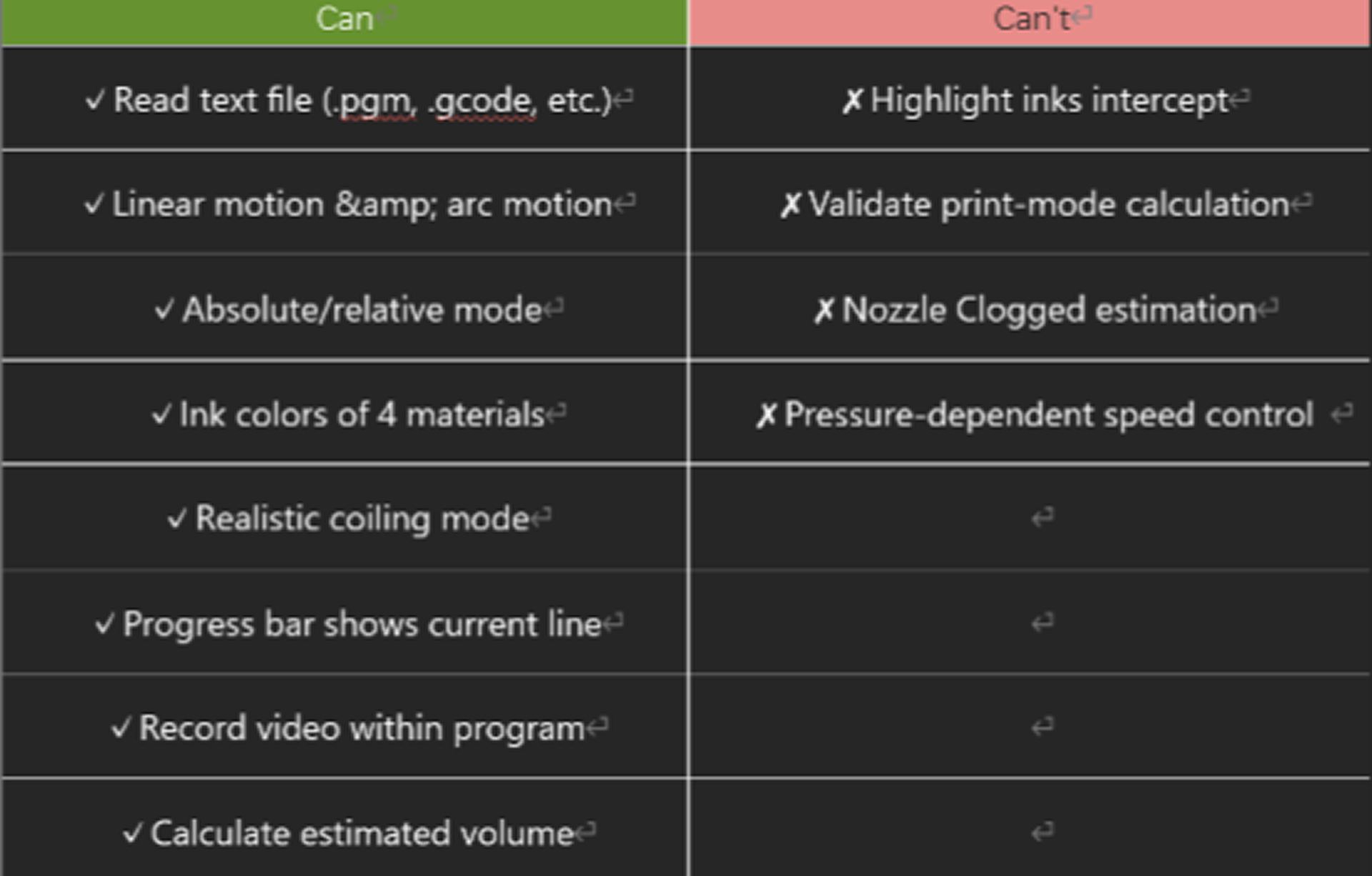
The system supports visual distinction of up to four different materials, shown in color-coded layers. Users can review and confirm material transitions between paths—allowing for efficient multi-material planning and reducing print defects.
🔍 G-code Input & Path Overview
Users can easily upload their custom or modified G-code files, which are then rendered into an intuitive print-path overview. This includes details like extrusion start points, layer thickness, and nozzle behavior for better control and debugging.

📊 Print Status & Playback Interaction
After reviewing a simulated print, users can easily update the print sequence, tweak material flow, or adjust frame-specific settings. Playback tools, including scrub bar and hotkey controls, enable quick review and live editing of the entire print cycle.
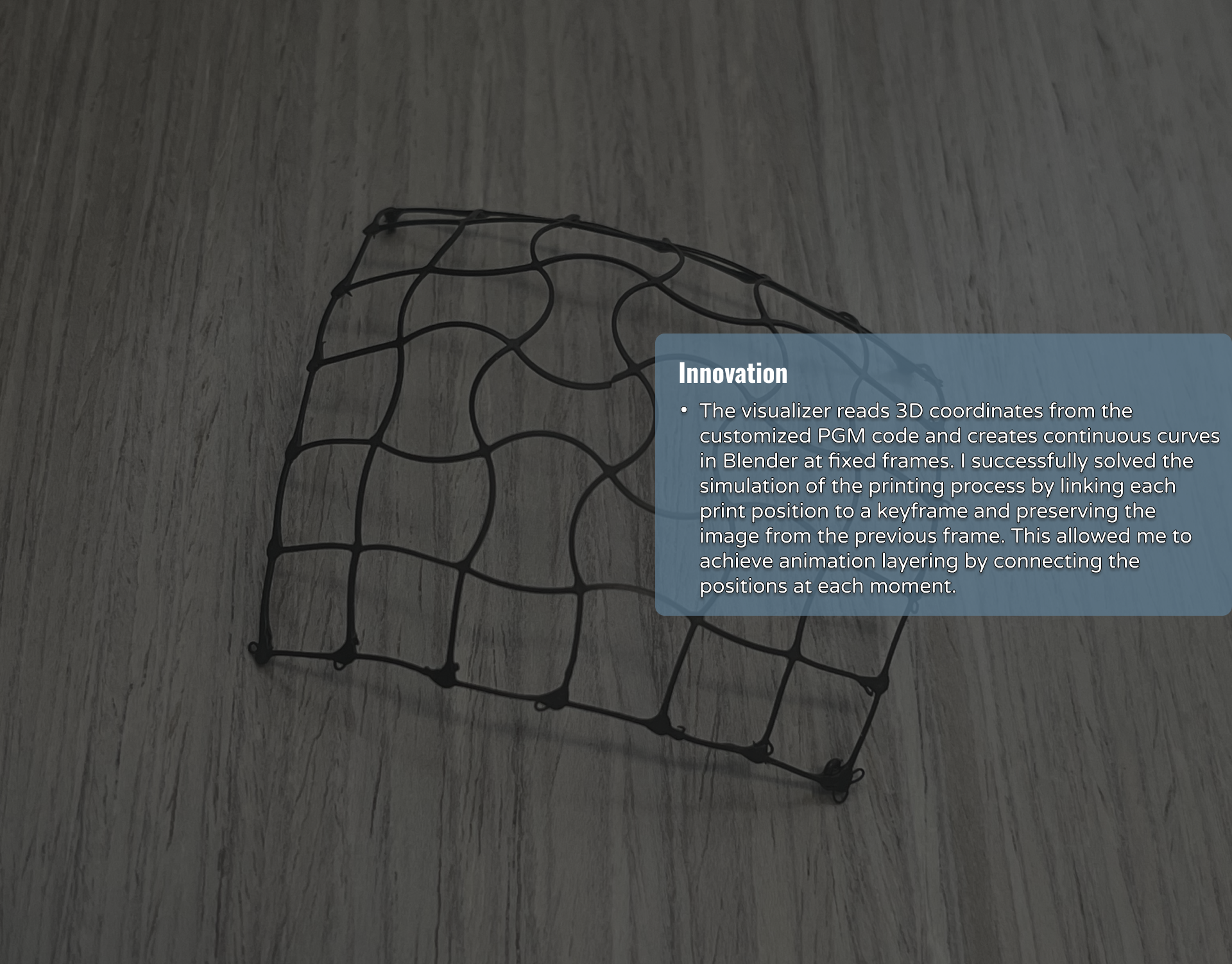
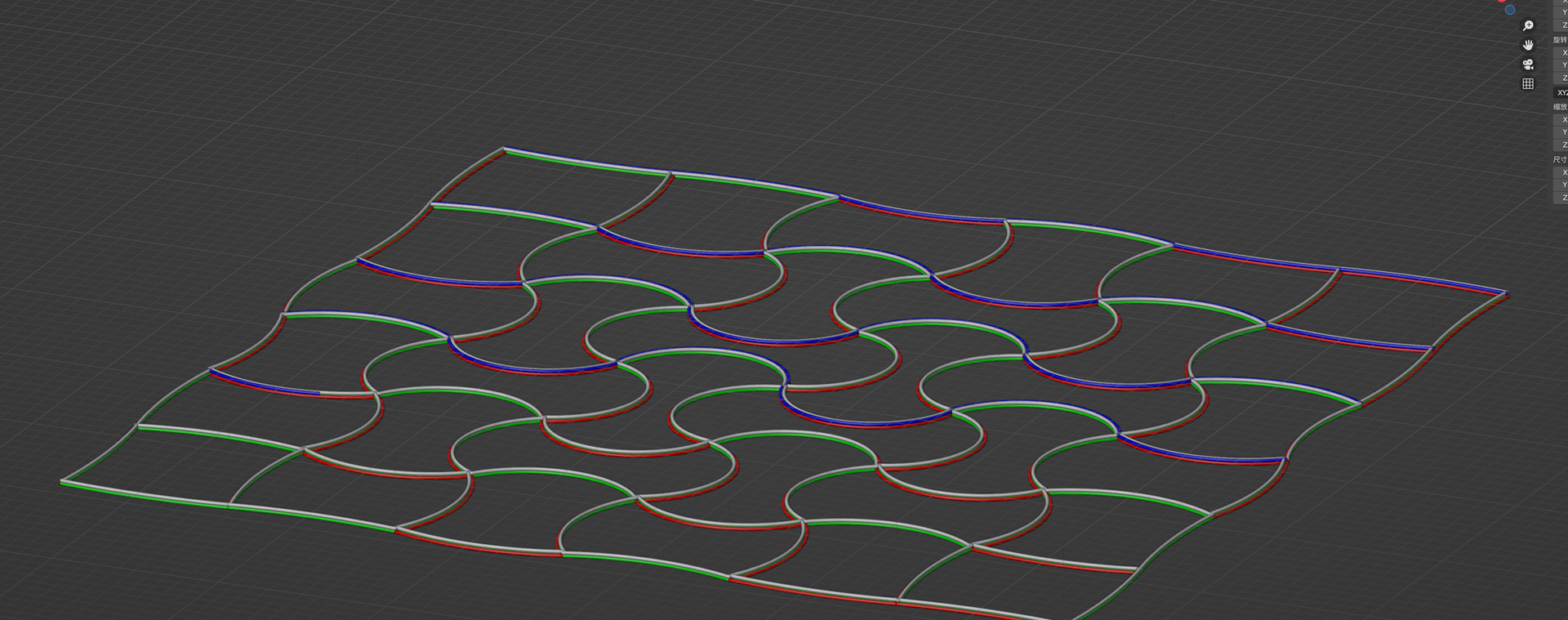
The visualizer reads 3D coordinates from the customized PGM code and creates continuous curves in Blender at fixed frames. I successfully solved the simulation of the printing process by linking each print position to a keyframe and preserving the image from the previous frame. This allowed me to achieve animation layering by connecting the positions at each moment.
The Progress
Visualization of the deposition path:
The visualizer shows the printer nozzle's exact path, helping to spot uneven deposition or areas needing more ink
Simulation of the printing process:
The visualizers simulate the printing process to spot issues early, reducing failure costs and improving researcher efficiency.
Simulation of complex print jobs:
The visualizer can help optimize the development of complex printing paths where it is required to print with up to 4 different materials at the same time.